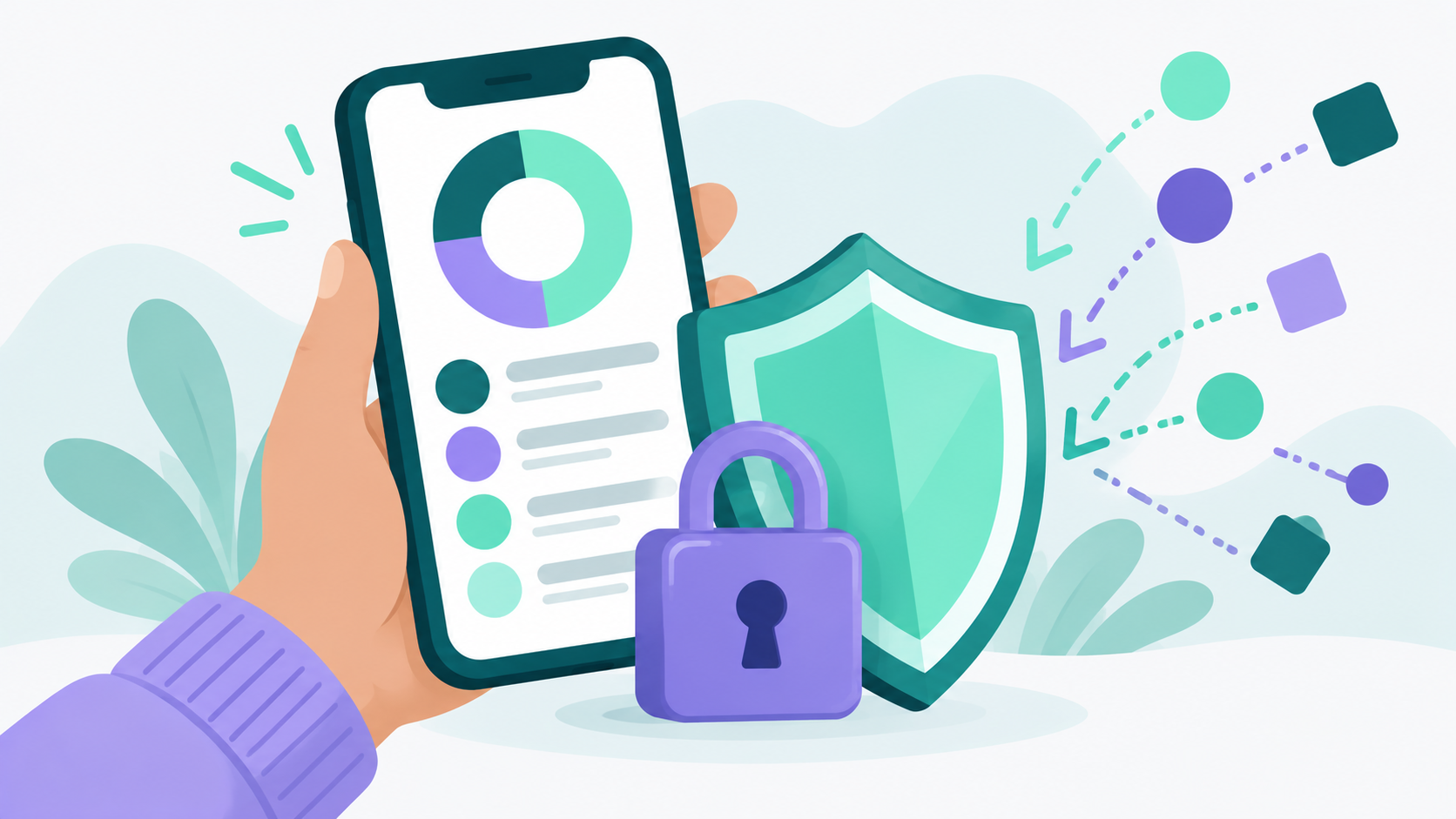
Budgeting apps that don't sell your data state it plainly in their privacy policy, don't show you ads or sponsored offers, don't feed your transactions into AI models, and make money in a way that doesn't depend on your information. Lucky Friday is one of them: user financial data is never sold to third parties, never sent to AI, and never used for advertising, and its permanent free tier is completely ad free. But you shouldn't have to take any app's word for it, including ours.
Below, we'll walk through why your budgeting data is so valuable, how to check any app's privacy practices in about 10 minutes, and what a truly privacy first budgeting app should promise you.
Why does it matter if a budgeting app sells your data?
Your budgeting app sees more of your life than almost any other app on your phone. Transaction data can reveal where you live, where you shop, what medications you buy, which causes you donate to, how much debt you carry, and when money gets tight.
Think about a single month of transactions. A recurring payment to a therapist. Weekly charges at a pharmacy. A donation to a religious organization. A payday loan. A dating app subscription. None of those are anyone else's business, but together they paint a remarkably detailed picture of a person.
People feel this. In a 2023 Pew Research Center survey, 81% of Americans said they were concerned about how companies use the data they collect about them, and 67% said they understand little to nothing about what companies actually do with it. Roughly 4 in 10 said they were very worried about companies selling their information to others without them knowing.
That gap between concern and understanding is exactly where problems happen. Most people never read the privacy policy of the app holding their financial life.
How do budgeting apps make money?
Budgeting apps usually make money through subscriptions, advertising, referral fees for financial products like credit cards and loans, or licensing data to other companies. How an app makes money tells you a lot about what it might do with your information.
Here's a quick breakdown:
- Subscriptions. You pay the app directly. This is the most straightforward model, because the app's customer is you.
- Advertising and sponsored offers. The app shows ads or "recommended" credit cards, loans, or insurance. Some of this is harmless, but it often relies on using your financial data to decide what to show you.
- Referral fees. The app earns a commission when you sign up for a product it recommends. That creates an incentive to analyze your spending and push offers.
- Data licensing. The app sells or licenses transaction data, often described as "aggregated" or "de-identified," to marketers, researchers, or investment firms.
Look, free doesn't automatically mean your data is for sale, and paid doesn't automatically mean it's safe. Some paid apps still share data with partners, and some free apps never touch it. The only way to know is to read what the app actually says it does. Lucky Friday's free tier is permanent and ad free, and the only paid feature is bank sync on the premium plan. There's no advertising model and no data sales behind it.
How can you tell if a budgeting app sells your data?
Read the privacy policy for specific words like "sell," "share," "partners," and "advertising," look for a "Do Not Sell or Share My Personal Information" link, and notice whether the app shows you ads or product offers. Those three checks catch most problems.
Search the privacy policy for key phrases
You don't have to read every word. Open the privacy policy and use your browser's find feature (Ctrl+F or Command+F) to search for these terms:
- "Sell" or "sale." Look for a clear statement like "we do not sell your personal information." If the policy explains how it sells data, or only says it doesn't sell data "for money," keep reading carefully.
- "Share" and "third parties." Many policies avoid the word "sell" but describe broad sharing with "partners" or "affiliates." Note who they are and why.
- "Advertising" or "marketing." Watch for language about using your information to show you ads or to "personalize offers."
- "Aggregated," "de-identified," or "anonymized." This often signals that transaction data is shared or licensed in a form the company considers anonymous. More on why that's not as reassuring as it sounds below.
- "Machine learning" or "artificial intelligence." Check whether your transactions are used to train models or are sent to outside AI providers.
Look for a "Do Not Sell or Share" link
Under the California Consumer Privacy Act, businesses that sell or share personal information generally must post a clear "Do Not Sell or Share My Personal Information" link so California residents can opt out. The California Attorney General's office advises that if you can't find that link, you should check the business's privacy policy to see whether it sells or shares personal information. A growing number of states now have similar opt out rights.
If an app displays this link, it's telling you that some form of selling or sharing happens. That doesn't make the app bad, but it does mean you should opt out and read the details.
Notice what the app shows you
If your budgeting app regularly suggests credit cards, personal loans, or insurance "based on your spending," your data is almost certainly being analyzed for marketing purposes. That's not always the same as selling it, but it means your financial life is part of the business model.
Check your app store privacy details
Both major app stores now show privacy summaries on each app's listing. Look for what data the app says it collects, whether it's linked to your identity, and whether it's used to track you across other companies' apps and websites. Treat these labels as a starting point, since they're self reported by the developer.
See what happens when you leave
Search the policy for "delete" or "retention." A good budgeting app explains how to delete your account and what happens to your data afterward. Vague language about keeping data "as long as necessary for business purposes" is worth a closer look.
What does "anonymized" data really mean?
"Anonymized" or "de-identified" usually means names and account numbers have been removed. But research shows transaction data can often be traced back to individuals anyway, because everyone's spending pattern is surprisingly unique.
The most famous example comes from a 2015 study published in the journal Science. Researchers at MIT analyzed three months of credit card records for 1.1 million people with names and account numbers removed. They found that just four data points about when and where someone shopped were enough to uniquely identify 90% of people. Knowing the price of a purchase made identification even easier.
So when a privacy policy says it only shares "aggregated and de-identified" transaction data, that's better than sharing it with your name attached. But it's not the same as not sharing it at all. If keeping your spending private matters to you, look for an app that says it doesn't sell or license your data in any form.
Is it safe to connect your bank account to a budgeting app?
Connecting your bank can be done safely, but it adds a third party to the picture. Most budgeting apps use a data aggregator to link your accounts, so you're trusting both the app and the aggregator with access to your transactions.
When you connect a bank account, a service called a data aggregator usually handles the connection and passes your transactions to the app. It's a common and generally secure setup, but it's worth knowing who's involved and reading their privacy terms too. Lucky Friday's bank sync, available on the premium plan, uses Plaid to connect to over 11,000 financial institutions in the US, Canada, and Europe. When you link an account, that connection is governed by Plaid's terms as well as ours.
The rules here are also in flux. The Consumer Financial Protection Bureau finalized a personal financial data rights rule in late 2024 that set standards for how consumer financial data is shared with apps. In 2025, the CFPB reopened that rule for reconsideration, including questions about privacy protections and the risk of sensitive data being licensed or sold, and a federal court has blocked enforcement while that process continues. In other words, don't count on regulation alone to protect your data right now.
If you'd rather not connect a bank at all, choose an app that works well with manual entry. Lucky Friday's free tier includes manual transaction entry and custom accounts, so you can build a complete budget without linking any financial institution. Logging transactions yourself has another upside too: you notice your spending more when you type it in.
What laws protect your financial data?
Some protections exist, but they're patchy. Financial institutions are generally required to give you privacy notices explaining how they share information. State privacy laws like California's give residents rights to know what's collected, delete it, and opt out of its sale. Beyond that, a lot depends on each company's own policies.
That's why reading the policy matters so much. Laws set a minimum. A company's own commitments, written in plain language, tell you whether it plans to go further.
What should a privacy first budgeting app promise?
A privacy first budgeting app should clearly state that it doesn't sell your data, doesn't use it for advertising, doesn't send it to AI models without your knowledge, protects it with strong security, and lets you budget without connecting a bank if you prefer.
Here's a checklist you can use with any app:
- A plain language statement that your financial data is never sold
- No ads or sponsored product offers built on your spending
- A clear answer on whether your data is sent to AI models
- Encryption for data in transit and support for multi factor authentication
- An option to budget without linking a bank account
- Clear instructions for deleting your account and data
- A business model you can understand in one sentence
Lucky Friday was built around these commitments. User financial data is never sent to AI, never sold to third parties, and never used for advertising. All communication is encrypted over HTTPS, and sign in runs through Auth0 with support for multi factor authentication. You can read the full details in our privacy policy, and our page on choosing a budgeting app without AI explains why we keep AI out of your financial data entirely.
Privacy also shouldn't come at the cost of usefulness. Lucky Friday is a free budgeting app on iOS and the web with unlimited custom categories and subcategories, planned vs. actual budget views, and net worth tracking. It's built by an independent solo founder for people starting their financial journey as well as people who want a deep understanding of their money. Bank sync is available on the premium plan, and everything else in the core app is free with no trial period. You can see what's included on our features page.
Does privacy really matter if you're just starting to budget?
Yes, and arguably more. When you're building new habits, like saving your first emergency fund buffer when you're already behind or working through debt, your transaction history can show financial stress at its most visible. That's exactly the kind of data that's valuable to lenders and marketers.
A budgeting app should help you get ahead, not turn your hardest months into someone else's sales opportunity. If you've tried apps before and walked away, our post on why budgeting apps fail and what actually helps is a good next read.
Common Questions About Budgeting Apps That Don't Sell Your Data
Do free budgeting apps sell your data?
Some do and some don't. Free apps often make money through ads, product referrals, or data licensing, but not all of them. Check the privacy policy for the words "sell," "share," and "advertising," and look for whether the app shows sponsored offers based on your spending.
Is it safe to link my bank account to a budgeting app?
It can be, but it involves trusting both the app and the data aggregator that handles the connection. Read both privacy policies before linking. If you'd rather not connect your bank, choose an app that supports manual transaction entry.
Does Lucky Friday sell my data?
No. Lucky Friday never sells user financial data to third parties, never uses it for advertising, and never sends it to AI models. The free tier is permanent and ad free, and bank sync is available on the premium plan.
Can I use a budgeting app without connecting my bank account?
Yes. Many budgeting apps support manual entry, where you log transactions yourself. Lucky Friday's free tier includes manual transaction entry, custom accounts for cash and unlinked accounts, unlimited categories, and net worth tracking, so you can build a full budget without linking a bank.
Sources
- Pew Research Center. "How Americans View Data Privacy" (October 2023). https://www.pewresearch.org/internet/2023/10/18/views-of-data-privacy-risks-personal-data-and-digital-privacy-laws/
- State of California Department of Justice, Office of the Attorney General. "Attorney General Bonta Reminds Consumers of Their Right to Opt-Out of the Sale of Their Personal Information." https://oag.ca.gov/node/597982
- de Montjoye, Y. A., Radaelli, L., Singh, V. K., and Pentland, A. (2015). "Unique in the shopping mall: On the reidentifiability of credit card metadata." Science, 347(6221), 536 to 539. https://dspace.mit.edu/handle/1721.1/96321
- Cooley LLP. "CFPB Reconsiders Section 1033 Rule Signaling Potential Overhaul of Personal Financial Data Rights Framework" (August 2025). https://www.cooley.com/news/insight/2025/2025-08-27-cfpb-reconsiders-section-1033-rule-signaling-potential-overhaul-of-personal-financial-data-rights-framework
- Bankers Compliance Group. "Section 1033 Compliance Date Further Delayed." https://blog.bankerscompliance.com/en/section-1033-compliance-date-further-delayed