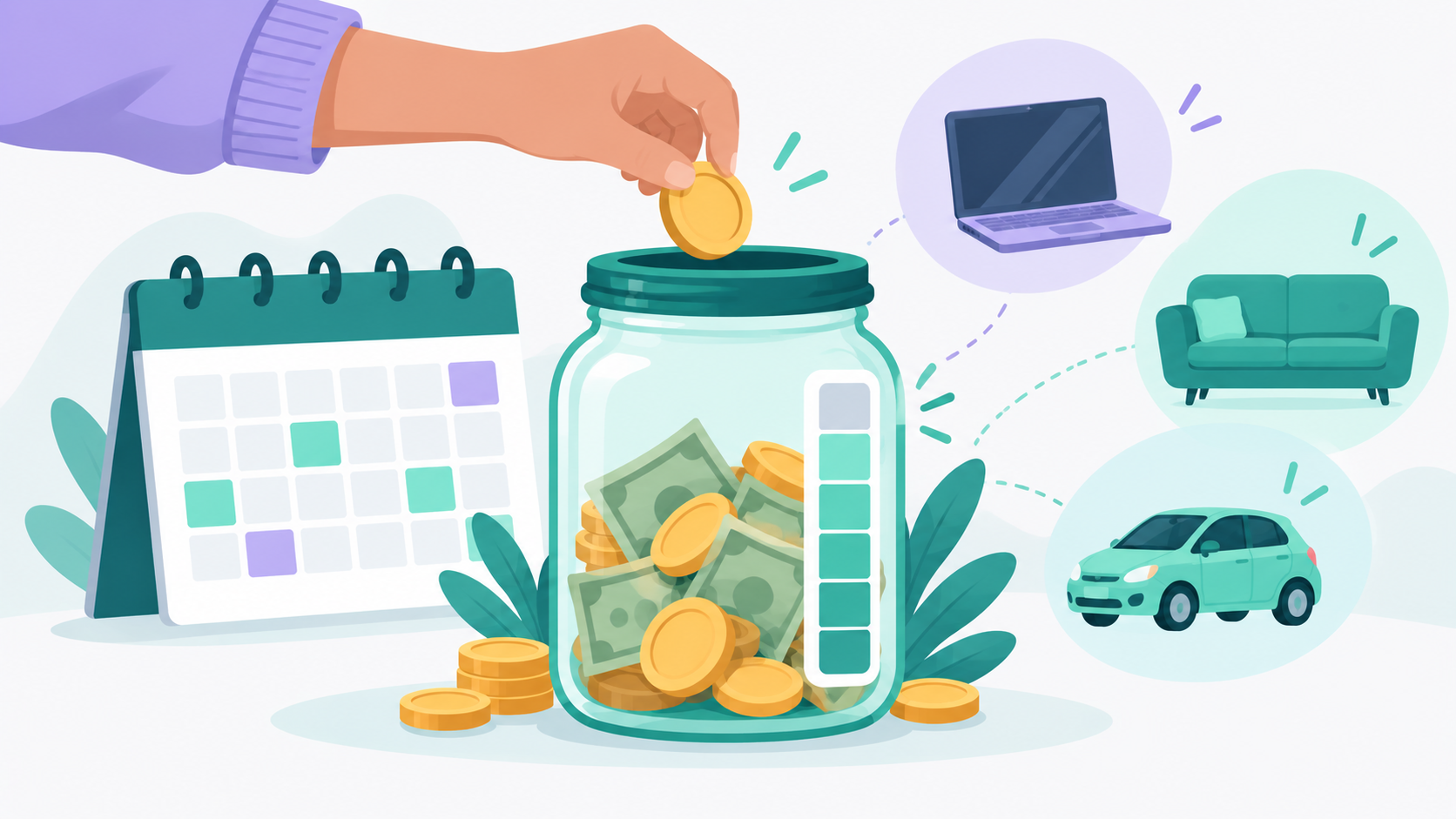
The easiest way to save for a major purchase without disrupting your budget is to use a sinking fund: divide the total cost by the number of months until you need it, and set aside that amount every month in its own budget category. A $2,400 purchase eight months away becomes a $300 monthly line item instead of a financial shock. And because the money is ready when you buy, you skip the credit card interest entirely.
Below, we'll cover how to figure out your monthly amount, where to find the money without cutting your budget to the bone, and how to keep the fund on track until you're ready to buy.
What's the best way to save for a major purchase?
The best way to save for a big purchase is a sinking fund, which is money you set aside in small, regular amounts for a specific expense you know is coming. It spreads the cost over time so your monthly budget stays steady.
Think of it as paying for the purchase in installments, except you make the payments before you buy instead of after. That one switch changes everything. You earn a little interest instead of paying a lot of it, and when the day comes, you hand over cash you already have.
A sinking fund works for almost any planned expense: a new laptop, a car down payment, furniture, a wedding, holiday gifts, a vacation, or a home repair you know is coming. It's different from an emergency fund, which covers things you can't predict. If you don't have an emergency fund yet, start there first. Our guide to starting an emergency fund when you're already behind walks through how to build that first cushion.
Why not just put a big purchase on a credit card?
Because the interest can add hundreds of dollars to the price. Credit card accounts that were charged interest averaged an APR of about 22% in mid 2026, according to the Federal Reserve's consumer credit data.
Here's what that looks like in real numbers. Say you buy a $3,000 sofa on a card at 22% APR and pay $150 a month. It takes you about 26 months to pay it off, and you pay roughly $770 in interest along the way. Now flip it around. If you save that same $150 a month first, you can buy the sofa with cash in 20 months, and it costs exactly $3,000.
Saving first gets you the sofa sooner and costs about $770 less. That's not a small difference.
Buy now, pay later plans can feel like a safer middle ground, and they're growing fast. The Federal Reserve's 2025 Survey of Household Economics and Decisionmaking found that 16% of adults used buy now, pay later in the prior year. Some plans are interest free if you pay on schedule, but late fees and juggling several plans at once can strain a budget quickly. A sinking fund avoids all of that.
There's also a bigger reason to save first. The same Fed survey found that 63% of adults would cover a surprise $400 expense with cash or its equivalent, and 59% had at least one major unexpected expense in the prior year. When a big purchase is already sitting on a credit card, a surprise bill on top of it is what turns a manageable month into a hard one.
How much should you save each month for a big purchase?
Take the total cost, divide it by the number of months until you need it, and that's your monthly savings amount. If you're paid every two weeks, divide the annual total by 26 to get a per paycheck number.
Start with the real price, not the sticker price. A $1,500 laptop might really cost $1,800 once you add sales tax, a protection plan, and a case. A car down payment might need to cover registration and the first insurance payment too. Round up so you're not short at the finish line.
Here are a few examples:
- Laptop: $1,800 in 9 months = $200 a month
- Vacation: $2,400 in 8 months = $300 a month
- Car down payment: $5,000 in 20 months = $250 a month
- Holiday gifts: $900 in 12 months = $75 a month
If the monthly number feels too high, you have two levers: push the deadline out, or lower the price. Pushing the laptop purchase from 9 months to 12 drops the monthly amount from $200 to $150. Choosing a $1,400 model instead and keeping the 9 month timeline brings it down to about $156.
How do you find the money without disrupting your budget?
The trick is to find room in your budget instead of squeezing every category a little. Pick one or two specific places the money will come from, so the rest of your budget stays exactly the same.
Trim one category, not all of them
Cutting 5% from everything rarely sticks, because every category feels a little tighter and nothing feels worth it. Instead, pick one category with room and make a clear change. If you spend $420 a month on takeout and dining out, cutting to $270 frees up $150. That alone covers most of a $3,000 goal in 20 months.
Redirect money you're not counting on yet
Tax refunds, birthday money, a work bonus, cash back rewards, and the first month of a raise are all great sources for a sinking fund. You haven't built them into your lifestyle yet, so sending them to a goal doesn't feel like a cut. A $1,200 tax refund knocks four months off a $300 monthly plan.
Look for subscriptions and recurring charges you've forgotten
Go through your transactions for the last three months and list every recurring charge. Many people find one or two subscriptions they stopped using. Canceling a $15 streaming service and a $40 app you forgot about frees up $55 a month without changing how you live.
Pause a lower priority goal temporarily
If you're putting extra money toward something flexible, like an extra debt payment above the minimum or a long term goal, you can redirect part of it for a few months. Just don't pause your emergency fund contributions or retirement match. Those protect you in ways a new laptop can't.
Where should you keep money for a major purchase?
Keep sinking fund money in a separate savings account, ideally one that pays a competitive interest rate and is insured by the FDIC or NCUA. Separating it from checking makes it much harder to spend by accident.
A separate account does two jobs. It protects the money from everyday spending, and it lets you see your progress clearly. Some people open one savings account per goal, while others use a single account and track each goal in their budget. Either works, as long as you know exactly how much belongs to which purchase.
For purchases coming up within the next few years, most people keep the money in savings rather than investing it. Investments can drop in value right when you need the cash, and a short timeline doesn't leave much room to recover.
Once your account is set up, automate it. Schedule a transfer for the day after payday so the money moves before you have a chance to spend it. Automating the transfer is one of the simplest ways to make saving the default instead of a decision you make every month.
How do you track a sinking fund in a budgeting app?
Create a dedicated category for each big purchase, set a monthly budget for it, and track your savings account balance so you can see progress toward the goal. Here's how to set it up in Lucky Friday.
Most budgeting apps give you a few preset categories built around everyday spending, which leaves no clean place for a "New laptop" or "Italy trip" fund. Lucky Friday lets you create unlimited custom categories and subcategories with your own icons and colors, so each goal gets its own spot in your budget.
- Create a "Sinking funds" category. Add a subcategory for each goal, like "Laptop," "Vacation," or "Car down payment," and give each one its own icon and color so you can spot it at a glance.
- Set a default monthly budget for each goal. If your laptop fund needs $200 a month, set that as the subcategory's default budget so it carries forward automatically.
- Add your savings account to net worth. Lucky Friday's net worth tracking lets you add asset accounts like savings, so you can watch your balance climb on the net worth chart.
- Check planned vs. actual each month. The budget view shows how much you planned to set aside and how much you actually did, so a missed month is easy to catch and fix.
- Use the annual view to plan ahead. Toggle to the annual budget to see every sinking fund across the year and spot months where several big expenses might collide.
Lucky Friday is a free budgeting app on iOS and the web, and it was built for people starting their financial journey as well as people who want a deeper understanding of where their money goes. The free tier is permanent and includes all core budgeting tools, including unlimited categories, manual transaction entry, and net worth tracking. Bank sync is available on the premium plan if you'd rather have transactions import automatically. You can see the full list on our features page.
What if you need the money before you reach your goal?
If a true emergency comes up, use your emergency fund first, not your sinking fund. Keeping the two separate means a surprise car repair doesn't wipe out your vacation fund, and your vacation fund doesn't tempt you into skipping a needed repair.
If you don't have an emergency fund yet and something urgent happens, it's okay to use your sinking fund. That's still far better than putting it on a card at 22%. Just adjust the timeline afterward. If you pulled $600 from a $300 a month fund, the purchase moves back two months, and that's fine.
Sometimes the goal itself changes. Prices drop, plans shift, or you decide you don't want the thing anymore. Moving the money to another goal, or to your emergency fund, isn't a failure. That flexibility is exactly why saving first works better than borrowing first.
And if saving has never stuck for you before, it may not be about willpower. Our post on why budgeting apps fail and the savings rate wake up call looks at what actually helps people save consistently.
Common Questions About Saving for a Major Purchase
What is a sinking fund?
A sinking fund is money you set aside in small, regular amounts for a specific planned expense, like a car, vacation, or new laptop. You divide the total cost by the months until you need it and save that amount each month. When it's time to buy, the money is already there.
How long should it take to save for a big purchase?
It depends on the price and how much you can set aside each month. Divide the total cost by your monthly savings amount to get the number of months. If the timeline feels too long, look for one category to trim or redirect windfalls like a tax refund to speed things up.
Should I use my emergency fund for a planned purchase?
No. An emergency fund is for unexpected costs like a job loss, medical bill, or urgent repair. Planned purchases should have their own sinking fund so your emergency cushion stays intact when you actually need it.
Is it better to save up or finance a big purchase?
For most purchases, saving first is cheaper. Credit card accounts charged interest averaged about 22% APR in mid 2026, so financing a $3,000 purchase over two years can add hundreds of dollars in interest. Saving the same monthly amount ahead of time gets you the item without that extra cost.
Sources
- Board of Governors of the Federal Reserve System. "Economic Well-Being of U.S. Households in 2025: Fact Sheet." https://www.federalreserve.gov/newsevents/pressreleases/files/other20260513a1.pdf
- Board of Governors of the Federal Reserve System. "Consumer Credit, G.19, July 2026" (released September 8, 2026). https://www.federalreserve.gov/releases/g19/20260908/