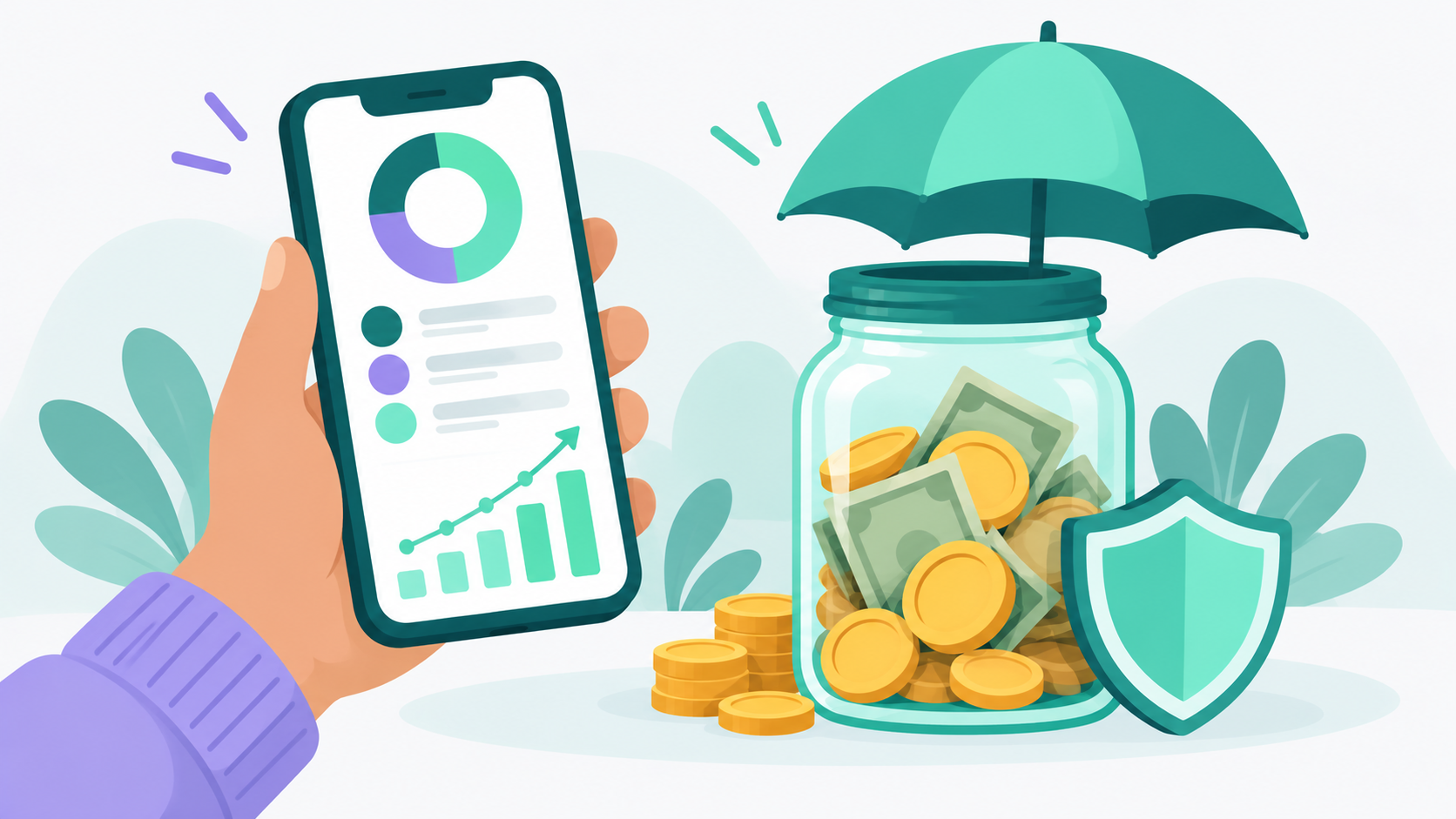
A budgeting app helps you build an emergency fund by showing you exactly where your money goes, turning savings into a planned monthly expense instead of whatever's left over, and tracking your progress so you can see the fund grow. It also makes it easier to spot spending leaks before they eat into your savings. Lucky Friday, a free budgeting app with unlimited custom categories and net worth tracking, is built for exactly this kind of steady, visible saving.
Below, we'll cover why emergency funds are so hard to build without a plan, the specific ways an app helps, and a step by step setup you can start today.
Why is it so hard to build an emergency fund?
Most people try to save whatever is left at the end of the month, and there's rarely anything left. Without a clear picture of where money goes, everyday spending quietly absorbs every dollar that could have gone to savings.
The numbers show how common this is. According to the Federal Reserve's 2025 Survey of Household Economics and Decisionmaking, 63% of adults said they would cover a surprise $400 expense using cash or its equivalent. That means more than a third would need to borrow, sell something, or couldn't cover it at all. The same survey found that 59% of adults had at least one major unexpected expense in the prior year, and 16% didn't pay all of their bills in the month before the survey.
Emergencies aren't rare. They're just unpredictable. A car repair, a vet bill, a broken phone, or a few weeks of missed work will happen to almost everyone eventually. The only question is whether the money is ready when it does.
And having that money matters for more than the bill itself. Vanguard research found that people with at least $2,000 in emergency savings reported financial well-being 21% higher than people with no emergency savings. They also spent less time each week thinking about and dealing with money stress.
How does a budgeting app help you build an emergency fund?
A budgeting app helps you build an emergency fund by finding money you didn't know you had, giving savings its own line in your budget, tracking progress toward a clear goal, and showing you right away when spending threatens your plan.
It shows you where your money actually goes
You can't save money you can't find. The Consumer Financial Protection Bureau recommends tracking everything you spend for a month, and notes that many people who do this discover small purchases that add up and don't match their priorities. A budgeting app does that tracking for you, and it organizes the results so patterns jump out.
Say you track a month and see $310 on takeout, $68 in subscriptions you barely use, and $95 at the coffee shop. You don't have to cut all of it. Trimming takeout to $210 and canceling two unused subscriptions frees up about $150 a month. That's $1,800 a year headed to your emergency fund without a huge lifestyle change.
Lucky Friday's dashboard shows your top spending categories in a bar chart on a single screen, so you can see where the biggest chunks of money go at a glance. You can filter transactions by category, date, or search term when you want to dig into the details.
It turns saving into a planned expense
This is the biggest shift. When savings is a line in your budget, like rent or groceries, it gets paid. When it's whatever's left over, it usually doesn't happen.
Research backs this up. A study by researchers at the University of St Andrews, published in the Journal of Consumer Research in 2023, found that setting a budget reduced spending even when people didn't stick to it perfectly, and the effect lasted six months. Simply deciding ahead of time where money goes changes how much of it you spend.
Lucky Friday shows planned vs. actual for both income and expenses. When your emergency fund has its own planned amount, you can see each month whether you actually set that money aside or whether something else got it first.
It gives your emergency fund its own category
A lot of budgeting apps give you a few preset categories built around spending, which leaves savings as an afterthought. Lucky Friday lets you create unlimited custom categories and subcategories with your own icons and colors. You can create an "Emergency fund" category, set a default monthly budget for it, and keep it completely separate from other savings goals like a vacation or new laptop.
That separation matters. When your emergency fund is lumped in with general savings, it's easy to borrow from it for a trip or a sale and tell yourself you'll pay it back. A dedicated category makes the purpose of that money clear every time you open your budget.
It lets you watch the fund grow
Progress is motivating. Seeing your savings climb from $300 to $800 to $1,500 makes it much easier to keep going than a vague sense that you're "saving some."
Lucky Friday's net worth tracking lets you add your savings account as an asset and see your total net worth over time on a line chart. As your emergency fund grows, you'll see it reflected in your net worth trend, which is one of the most satisfying charts in personal finance.
It helps you catch problems early
If you review your budget weekly, you'll spot a category running hot by the second week instead of discovering it at the end of the month. That gives you time to adjust before you have to choose between overspending and skipping your savings transfer.
How much should you have in your emergency fund?
Start with a small starter goal of $1,000 to $2,000, then build toward three to six months of essential expenses. A budgeting app helps with both, because it shows you exactly what your essential expenses add up to each month.
A starter fund handles the most common emergencies, like a car repair or urgent medical bill. The Vanguard research suggests that first $2,000 is where people feel the biggest improvement in financial well-being, so it's a great first milestone.
After that, use your budget to find your true monthly essentials: housing, utilities, groceries, insurance, transportation, minimum debt payments, and childcare. If those add up to $3,200 a month, a three month fund is $9,600 and a six month fund is $19,200. Those numbers can feel big, which is why milestones help. Break the goal into stages like $500, $2,000, one month of expenses, and three months of expenses, and celebrate each one.
If your income varies, aim for the higher end of that range. Our page on choosing a budgeting app for irregular income covers how to plan around paychecks that change from month to month.
How do you set up an emergency fund in a budgeting app?
Here's a step by step setup you can do in an afternoon.
- Track one month of spending. Log every expense, or connect your accounts if you're using bank sync. This gives you a real starting point instead of a guess.
- Add up your essential expenses. Use your budget categories to total what you need each month to cover the basics. This number sets your long term goal.
- Choose your first milestone. If you're starting from zero, aim for $500 or $1,000 first. If saving feels impossible right now, our My First Buffer method for starting an emergency fund when you're already behind breaks it into very small, doable steps.
- Create an emergency fund category. Give it a name, icon, and color, and set a default monthly budget so it carries forward automatically.
- Open a separate savings account. Keep your emergency fund out of checking so it's not mixed with everyday spending. A savings account insured by the FDIC or NCUA keeps the money safe and easy to reach when you need it.
- Add that account to your net worth. In Lucky Friday, add it as an asset account so you can watch the balance grow over time.
- Automate the transfer. Schedule a transfer for the day after payday so the money moves before you can spend it.
- Review weekly and adjust monthly. Check planned vs. actual once a week. At the end of each month, see what worked and whether you can bump up your savings amount.
Here's what that looks like in practice. If you save $150 a month, you'll reach $2,000 in a little over 13 months. Add a $1,200 tax refund in the spring, and you'll get there in about 6 months instead.
What should you look for in a budgeting app for saving?
The best budgeting app for building an emergency fund lets you create your own categories, compare planned vs. actual spending, track savings balances over time, and doesn't take a big monthly bite out of the money you're trying to save.
Here's a quick checklist:
- Custom categories, so your emergency fund has its own clearly labeled place in your budget
- Planned vs. actual tracking, so you can see whether your savings transfer actually happened
- Net worth or account tracking, so you can watch your savings balance grow
- A real free option, because a $15 monthly subscription is $180 a year that could be sitting in your emergency fund
- Clear privacy practices, since your budget holds some of your most personal information
Many popular budgeting tools offer a short free trial, then require a subscription. Lucky Friday works differently. Its free tier is permanent and includes all core budgeting tools: unlimited custom categories, manual transaction entry, monthly and annual budget views, and net worth tracking. Bank sync is available on the premium plan if you want transactions to import automatically. You can compare plans on our pricing page.
Lucky Friday is also privacy first. Your financial data is never sent to AI models, never sold to third parties, and never used for advertising. It works on iOS and the web, and it was built by an independent solo founder for people starting their financial journey, not just finance experts.
What counts as an emergency?
Deciding this ahead of time protects your fund from slow leaks. A good rule is that an emergency is necessary, urgent, and unexpected. All three need to be true.
Usually emergencies:
- Job loss or a sudden drop in income
- Urgent medical, dental, or vet bills
- Car repairs you need to get to work
- Essential home repairs, like a broken furnace in winter
- Last minute travel for a family emergency
Usually not emergencies:
- Holiday gifts (they happen every year)
- A sale on something you wanted anyway
- Annual subscriptions or insurance premiums you can plan for
- Vacations, even last minute ones
Predictable expenses like holiday gifts and annual bills belong in their own savings categories, often called sinking funds. Keeping them separate means your emergency fund is still there when something truly unexpected happens.
What should you do after you use your emergency fund?
Use it without guilt, then rebuild it. Spending your emergency fund on an actual emergency means it did exactly what it was supposed to do.
After you use it, look at your budget and decide how quickly you can refill it. If you spent $900 on a car repair, you might temporarily raise your monthly emergency fund budget from $150 to $250 and trim a flexible category to make room. At that pace, you'll be back to your previous balance in about four months.
If you've noticed that saving falls apart every time life gets busy, you're not alone. Our post on why budgeting apps fail and what your savings rate really tells you looks at what helps people stay consistent over the long run. You can also see everything Lucky Friday includes on our features page.
Common Questions About Building an Emergency Fund With a Budgeting App
Can a budgeting app really help me save money?
Yes. A budgeting app shows where your money goes, which helps you find spending you can redirect to savings. Research published in the Journal of Consumer Research found that setting a budget reduces spending even when people don't follow it perfectly. Giving your emergency fund its own planned category makes saving a habit instead of an afterthought.
How much should I have in my emergency fund?
Start with a starter goal of $1,000 to $2,000, then build toward three to six months of essential expenses. Vanguard research found that people with at least $2,000 in emergency savings reported 21% higher financial well-being than people with none. If your income is irregular, aim for the higher end of the range.
Where should I keep my emergency fund?
Keep it in a separate savings account that's insured by the FDIC or NCUA and easy to access when you need it. Keeping it out of your checking account makes it less likely to get spent on everyday purchases. Track the balance in your budgeting app so you can see your progress.
Is there a free budgeting app to help build an emergency fund?
Yes. Lucky Friday has a permanent free tier with unlimited custom categories, planned vs. actual tracking, and net worth tracking, so you can create an emergency fund category and watch your savings grow. There's no trial period and no credit card required. Bank sync is available on the premium plan.
Sources
- Board of Governors of the Federal Reserve System. "Economic Well-Being of U.S. Households in 2025: Fact Sheet." https://www.federalreserve.gov/newsevents/pressreleases/files/other20260513a1.pdf
- CNBC via NBC Washington. "Having this amount in your emergency fund can make you happier and less stressed, new research finds" (reporting on Vanguard research). https://www.nbcwashington.com/news/business/money-report/having-this-amount-in-your-emergency-fund-can-make-you-happier-and-less-stressed-new-research-finds/
- Lukas, M. F., and Howard, R. C. C. (2023). "The Influence of Budgets on Consumer Spending." Journal of Consumer Research. https://research-repository.st-andrews.ac.uk/handle/10023/27807
- Consumer Financial Protection Bureau. "Spending tracker," Your Money, Your Goals toolkit. https://files.consumerfinance.gov/f/documents/cfpb_spending-tracker_tool_2021-08.pdf