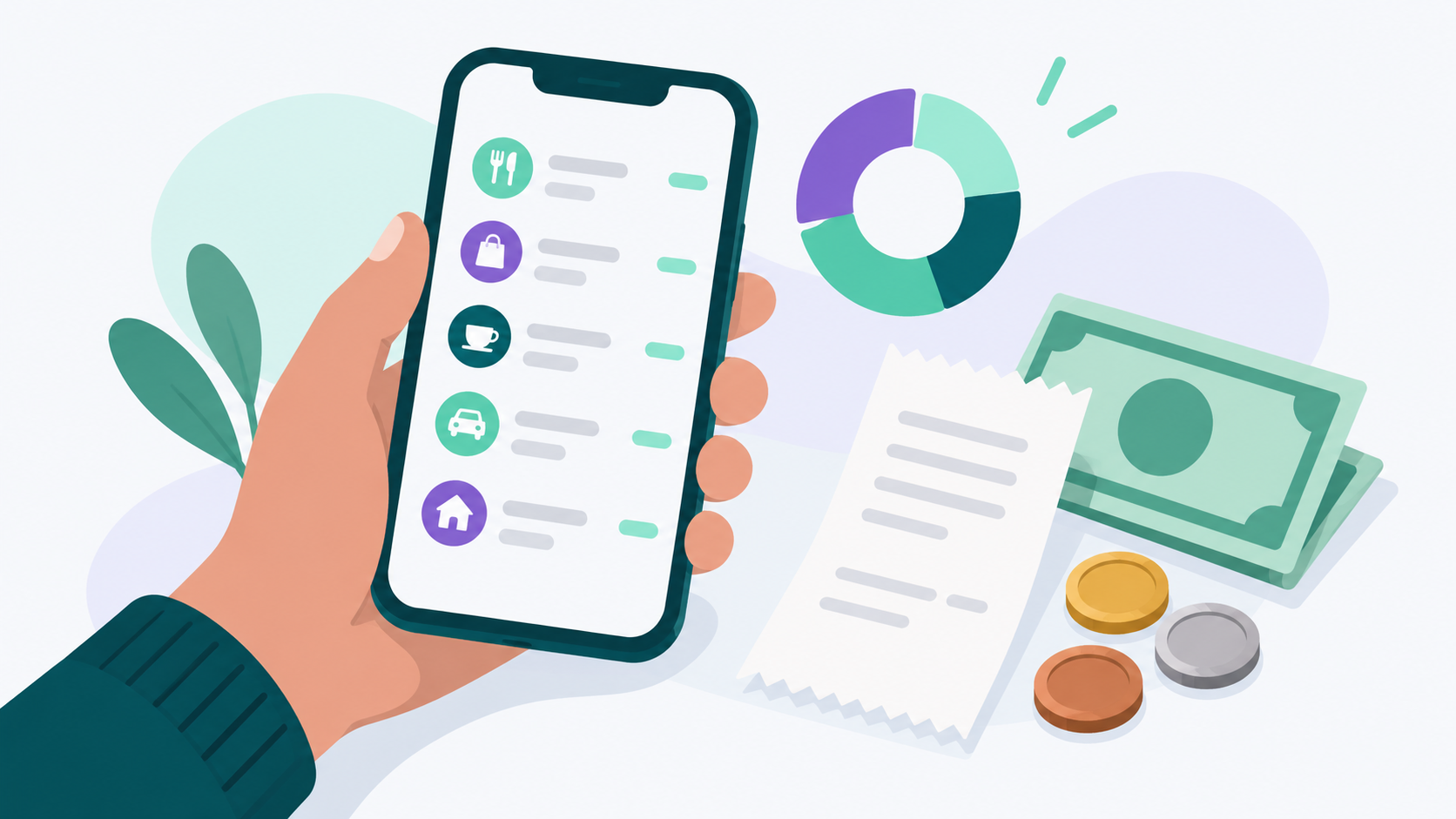
Budgeting apps that let you track spending manually let you type in each purchase yourself instead of waiting for a bank feed to do it for you. That small bit of effort is the point. When you log a $14 lunch with your own thumbs, you notice it in a way a synced transaction never forces you to. Lucky Friday is a free budgeting app built around this idea: manual transaction entry, unlimited custom categories, and planned vs. actual budget views are all part of its permanent free tier, with no trial and no credit card.
Below, we'll cover why manual tracking still works, what to look for in an app that supports it, and how to make the habit stick past the first week.
Why would anyone track spending manually in 2026?
Manual tracking makes sense if you use cash, want to stay aware of every purchase, or would rather not connect your bank account to an app. It's also the only option for spending that never touches a bank feed.
Cash isn't gone. According to the Federal Reserve's 2026 Diary of Consumer Payment Choice, consumers made an average of 47 payments a month in 2025, and about six of those were cash, roughly 14% of all payments. Ninety percent of consumers said they plan to keep using cash. If you pay a babysitter, split a dinner bill, shop at a farmers market, or tip in cash, none of that shows up in a synced account. Only you can record it.
Then there's privacy. Plenty of people aren't comfortable giving an app access to their bank login or transaction history, even through a secure connection. Manual entry means your spending data only goes where you put it.
And some people simply want to feel their money. Automatic syncing is convenient, but convenience can turn your budget into something you glance at once a month. Typing in each purchase keeps you in the loop every day.
Does manually tracking your spending actually work?
Yes. Research shows that writing down what you spend makes past purchases more memorable, and that memory makes people more careful with their next purchase. Budgets also reduce spending even when people don't stick to them perfectly.
One of the best known studies on this comes from researcher Dilip Soman, published in the Journal of Consumer Research. He found that past payments strongly reduced people's intention to buy more when the payment method required them to write down the amount they paid. Soman called this rehearsal. Logging a purchase in a budgeting app works the same way: you see the number, you type it, and it sticks.
A more recent study from researchers at the University of St Andrews, also published in the Journal of Consumer Research in 2023, looked at real budgeting data from a personal finance app, a field experiment with credit union members, and a financial diary study. Most people set budgets that were too optimistic and went over them. Spending still dropped, though, and it stayed lower six months later. In one example the researchers shared, someone who usually spent £250 a month going out set a £150 budget and ended up spending £200. They missed the target and still kept £50 in their pocket.
The Consumer Financial Protection Bureau makes a similar point in its Your Money, Your Goals toolkit. It suggests tracking everything you spend for a month and notes that many people who do this find small purchases that add up and don't match their priorities. Here's what that looks like in practice: a $6 coffee three times a week comes to about $78 a month, or roughly $936 a year. You don't have to cut it. You just have to see it.
What should you look for in a budgeting app with manual entry?
The best apps for manual tracking make entry fast, let you organize spending your own way, and don't push you toward bank sync before you're ready. Here's what matters most.
Quick, simple transaction entry
If adding a purchase takes more than a few taps, you'll stop doing it. Look for an app where you can enter the name, amount, category, and date without digging through menus. In Lucky Friday, you can add transactions manually and edit anything later, including the category, subcategory, name, amount, or date, so a rushed entry is easy to clean up.
Custom categories that match your life
A lot of budgeting apps give you a handful of preset categories and call it a day. That works until you realize your spending doesn't fit their boxes. Maybe you want "Dog" separate from "Kids," or "Farmers market" separate from "Groceries." Lucky Friday lets you create unlimited custom categories and subcategories, each with its own icon and color, so your budget reflects the way you actually spend.
A way to track cash and accounts you don't want to link
Manual tracking should cover more than the occasional purchase. You'll want a place to track your cash, along with any card or account you've decided not to connect. Lucky Friday lets you add custom accounts for cash or for institutions you'd rather track by hand.
Planned vs. actual budget views
Logging spending is half the job. The other half is comparing it to what you planned. Look for a monthly view that shows how much of each budget you've used and how much is left. Lucky Friday's budget page shows planned vs. actual for both income and expenses, with monthly and annual views and doughnut charts that break spending down by category.
Clear privacy practices
If privacy is part of why you're tracking manually, check what the app does with your data. Lucky Friday is privacy first: your financial data is never sent to AI models, never sold to third parties, and never used for advertising. We explain why that matters in our guide to choosing a budgeting app without AI.
A free tier that isn't a trial
Many popular budgeting tools offer a free trial, then lock your budget behind a subscription. If you're logging spending by hand, you shouldn't have to pay for the privilege. Lucky Friday's free tier is permanent and includes all core budgeting tools: unlimited categories, manual transaction entry, monthly and annual budgets, and net worth tracking. Bank sync is available on the premium plan if you ever want it.
Manual tracking vs. automatic bank sync: which is better?
Neither is better for everyone. Manual tracking builds awareness and keeps your data private, while automatic bank sync saves time and catches purchases you might forget. Many people do best with a mix of both.
Manual tracking is usually a good fit if you:
- Use cash regularly or split costs with friends and family
- Want to stay aware of every purchase as it happens
- Prefer not to connect your bank account to an app
- Are just starting out and want to learn your spending patterns
Automatic bank sync may be a better fit if you:
- Have a lot of card transactions and limited time
- Already have a solid budgeting habit and want less data entry
- Manage several accounts and want them all in one view
Some people start manually for the first few months to learn their habits, then add sync once tracking feels routine. Others sync their cards and log only cash by hand. Lucky Friday supports both approaches. Manual entry is free, and bank sync through Plaid, which supports over 11,000 financial institutions in the US, Canada, and Europe, is available on the premium plan for $12.99 a month or $99.99 a year. You can see the full breakdown on our pricing page.
How do you build a manual tracking habit that sticks?
The trick is to make logging so small and routine that skipping it feels strange. Most people who quit manual tracking don't quit because it's hard. They quit because they fall behind, and the backlog starts to feel overwhelming.
- Log purchases the same day. A purchase logged within a few hours takes seconds. A week of purchases logged from memory takes much longer and is full of guesses.
- Pick a daily anchor. Tie logging to something you already do, like your evening coffee or the walk to your car after work. Habits stick better when they ride along with an existing routine.
- Keep receipts in one spot. The CFPB suggests using an envelope to collect receipts. A quick photo on your phone works just as well if paper tends to disappear.
- Start with a 30 day trial run. Commit to one month, not forever. A month gives you a real picture of your spending without feeling like a life sentence.
- Do a weekly review. Once a week, compare planned vs. actual for each category. Five minutes on a Sunday is enough to catch a category drifting before the month is over.
- Don't aim for perfect. If you forgot a $3 snack, estimate it and move on. A budget that's 95% accurate is far more useful than one you abandoned because it wasn't 100%.
If you've tried budgeting apps before and given up, you're not alone. We wrote about why budgeting apps fail for so many people and what to focus on instead.
Who benefits most from tracking spending manually?
People who use cash, people with irregular income, beginners, and anyone who wants a deeper understanding of where their money goes tend to get the most out of manual tracking.
- Beginners. If you're just starting your financial journey, logging spending by hand is one of the fastest ways to learn your own habits. Lucky Friday was built for people at exactly this stage, not just finance experts.
- Freelancers and gig workers. When income arrives in uneven amounts, knowing exactly what you spend matters even more. Our guide to finding a budgeting app for irregular income walks through how to plan around unpredictable paychecks.
- People building savings from scratch. If you're trying to save while money is tight, manual tracking helps you find the dollars hiding in small purchases. Our post on how to start an emergency fund when you're already behind pairs well with a month of tracking.
- FIRE followers and detail lovers. If you're working toward financial independence, detailed subcategories make it easier to see exactly where every dollar goes. Lucky Friday's net worth tracking shows your assets minus liabilities over time, so you can watch progress build.
- Anyone who values privacy. If you'd rather not link your bank, manual tracking gives you a full budget without sharing account access.
How do you start tracking spending manually in Lucky Friday?
Lucky Friday is an independent budgeting app built by a solo founder, available on iOS and the web. Getting started with manual tracking takes just a few steps.
- Create your free account on iOS or at luckyfriday.app. No credit card is required.
- Build your categories. Start with 8 to 12 broad categories, then add subcategories where you want more detail. Give each one an icon and color so you can spot it at a glance.
- Add a manual account for cash, plus any accounts you want to track without linking.
- Set default budgets for each category and subcategory so your monthly plan is ready to go.
- Log your first purchases the same day you make them.
- Check your budget view at the end of the first week to see planned vs. actual by category.
You can see everything the app includes on our features page.
Common Questions About Budgeting Apps That Let You Track Spending Manually
Is it better to track spending manually or connect my bank account?
It depends on your goals. Manual tracking builds stronger awareness of each purchase, and research shows that writing down payments makes people more careful with future spending. Bank sync saves time. Many people combine the two by syncing their cards and logging cash by hand.
Is there a free budgeting app that lets you enter transactions manually?
Yes. Lucky Friday has a permanent free tier that includes manual transaction entry, unlimited custom categories, monthly and annual budgets, and net worth tracking. There's no trial period and no credit card required. Bank sync is available on the premium plan.
How long does manual expense tracking take each day?
For most people, a few minutes a day. Logging each purchase shortly after you make it takes only seconds per transaction. The time adds up only when a backlog builds, so same day logging is the easiest way to keep it quick.
Can I track cash spending in a budgeting app?
Yes, as long as the app supports manual accounts or manual transactions. In Lucky Friday, you can add a custom cash account and log cash purchases alongside the rest of your spending. That way your budget reflects everything you spend, not just what shows up on a card.
Sources
- Federal Reserve Financial Services. "2026 Diary of Consumer Payment Choice: Cash remains essential for U.S. consumers." https://frbservices.org/news/fed360/issues/080426/cash-remains-essential-us-consumers
- Soman, D. (2001). "Effects of Payment Mechanism on Spending Behavior: The Role of Rehearsal and Immediacy of Payments." Journal of Consumer Research, 27(4), 460 to 474. https://ideas.repec.org/a/oup/jconrs/v27y2001i4p460-74.html
- Lukas, M. F., and Howard, R. C. C. (2023). "The Influence of Budgets on Consumer Spending." Journal of Consumer Research. https://research-repository.st-andrews.ac.uk/handle/10023/27807
- University of St Andrews. "Don't abandon your budget, it works, says University of St Andrews research." https://news.st-andrews.ac.uk/archive/dont-abandon-your-budget-it-works-says-university-of-st-andrews-research/
- Consumer Financial Protection Bureau. "Spending tracker," Your Money, Your Goals toolkit. https://files.consumerfinance.gov/f/documents/cfpb_spending-tracker_tool_2021-08.pdf