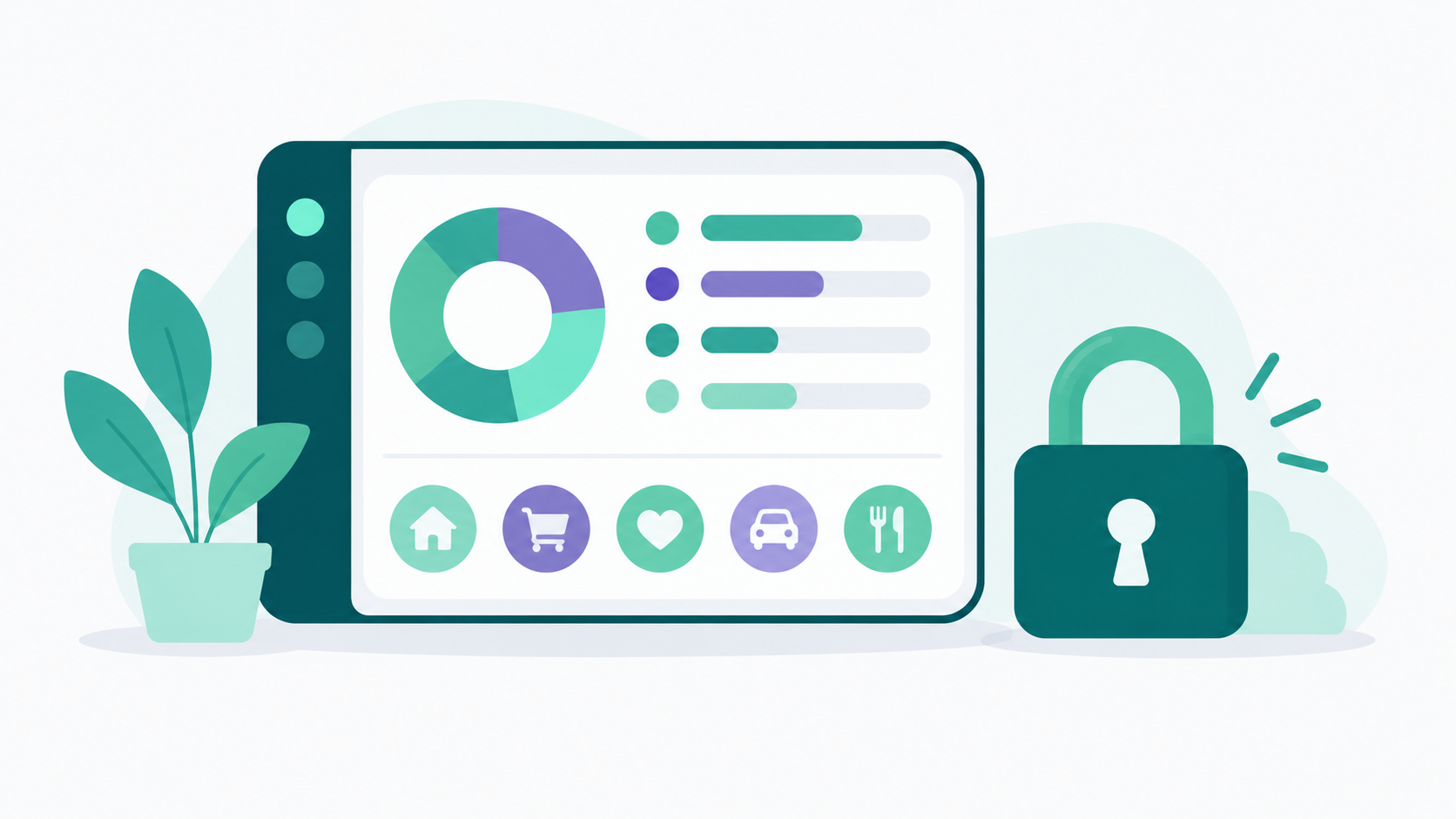
Lucky Friday is a budgeting app for iOS and web with a permanently free tier, unlimited custom budget categories, and a privacy commitment that rules out selling user data, using it for advertising, or sending it to AI models. The only paid feature is automatic bank syncing through Plaid, at $12.99 a month or $99.99 a year.
Worth saying up front: this is written by the Lucky Friday team, so treat it as a detailed overview rather than an independent review. It includes a section on who the app isn't a good fit for, and reading a few outside opinions alongside it is a reasonable thing to do before choosing any tool that holds your financial data.
What is Lucky Friday?
It's a personal budgeting and net worth tracking app built by a solo founder over roughly two and a half years. It runs on iOS and on the web, and the free tier covers the core budgeting tools without a credit card or a trial countdown.
The design intent shows up most clearly in the category system. Most budgeting tools ship with a preset list built around an average user, largely because preset categories are easier to build reporting around at scale. Lucky Friday goes the other direction and lets you build your own structure from scratch, which is a decision that makes sense when you're building for individual people rather than for aggregate dashboards.
What does privacy-first actually mean here?
It means three specific commitments: user financial data is never sold to third parties, never used for advertising, and never sent to AI models. Those are separate promises, and a privacy policy can address one while staying silent on the others.
The reason this matters is that the category norm is different. Incogni's analysis of 20 popular budgeting apps found that 60 percent shared at least some user data with third parties, that one in four shared financial information specifically, and that the apps collected an average of more than nine data points each, with the most data hungry collecting 22.
Consumers notice. Thales's 2025 Digital Trust Index found that 82 percent of people had abandoned a brand in the past year over how it handled their data. So privacy isn't a niche preference at this point, it's a mainstream purchase criterion.
Here's the structural piece that matters more than any policy language. Lucky Friday's revenue comes from subscriptions, which means users are the customer. An app that's free with advertising has to monetize attention, and in personal finance that usually means credit card offers and loan promotions inside a tool you're using to manage debt. Lucky Friday's free tier carries no ads at all. The full policy is on the privacy policy page if you'd rather read the source than the summary.
What does Lucky Friday cost?
The free tier is permanent, requires no credit card, and includes the core budgeting tools. Premium costs $12.99 a month or $99.99 a year and adds exactly one thing: automatic bank syncing through Plaid.
What's on the free tier: unlimited custom categories and subcategories, manual transaction entry, monthly and annual budget views, planned versus actual tracking for both income and expenses, net worth tracking, junior accounts for under 18s, and an ad free experience. There's no trial period, no feature gating, and no cap on how many categories you can create.
What premium adds is deliberately narrow. It doesn't unlock extra budgeting tools, additional dashboards, or better reports. It means transactions import automatically from connected accounts instead of being entered by hand, across more than 11,000 financial institutions in the US, Canada, and Europe. Free forever with unlimited categories, bank sync available if you want to upgrade.
That structure has a practical implication worth naming. You can build a complete budget, use it for months, and decide whether the app suits you before spending anything or connecting any account. Full details are on the pricing page.
What can you actually do with it?
Build categories that match your life
Unlimited custom categories and subcategories, each assignable a custom icon from the FontAwesome library and a custom color. Subcategories are real nested categories with their own budget amounts and totals that roll up into the parent, not tags. There's a real time search bar for finding categories quickly and an expandable view to keep long lists manageable.
Category rules handle the tedious part. You set a rule once based on a keyword or pattern, and matching transactions file themselves from then on. Default budgets can be set per category and per subcategory.
Budget monthly or annually
A toggle switches between monthly and annual views, with planned versus actual tracking on both income and expenses, and a remaining figure so you can see what's left rather than only what's spent. Interactive doughnut charts break spending and income down by category, and expandable categories reveal subcategory detail with budget, spent, and remaining amounts. You can select any past month or year to view historical data, which is what makes month over month comparison possible.
Manage transactions
All transactions appear in one unified list showing name, amount, category and subcategory, financial institution, date, and a category icon, with income and expenses color coded. Filtering works by date (today, this week, current month, or a custom range), by category, by subcategory, or by search term, with a reset button to clear everything.
Manual entry is included at no cost, which matters for cash purchases and for accounts you'd rather not connect. Any transaction can be edited after the fact: category, subcategory, name, amount, or date.
Track net worth
Net worth is displayed as assets minus liabilities, with a line chart showing the trend over time and doughnut charts breaking down distribution by account. You can toggle between assets and liabilities and manage individual accounts on each side, including savings, investments, property, loans, and credit cards. Manual accounts are supported for institutions Plaid doesn't cover or for cash.
See it all in one place
The dashboard combines recent transactions, top spending categories, and net worth on a single screen, with an interactive bar chart for top categories and quick access buttons to jump into Transactions, Budget, or Net Worth. It updates in real time as data changes, with skeleton loaders during fetches so nothing looks broken mid load. Light and dark themes are both supported.
How secure is it?
Authentication runs through Auth0, which supports OAuth 2.0, OpenID Connect, passwordless login, multi factor authentication, and Google social login. Sessions use JWT tokens, all communication runs over HTTPS, and security headers include Content-Security-Policy, X-XSS-Protection, and X-Frame-Options, with CORS restricted to trusted origins.
The relevant point for a small independent app is that none of this is homemade. Bank connections run through Plaid and authentication through Auth0, both of which are the same infrastructure much larger companies rely on. A solo developer renting proven security beats a solo developer building a worse version of it, and it's the specific thing worth checking when you're evaluating any independent tool.
Multi factor authentication is available and worth enabling, since a reused password is the most common way accounts get compromised regardless of how well the app itself is built.
Who is Lucky Friday for, and who isn't it for?
It fits people who want to build a budget structure that matches their actual life, who care about where their financial data goes, and who don't want a subscription just to track spending. Beginners and people early in their financial journey are the explicit design audience, and the same customization depth suits people tracking toward FIRE or aiming for a granular view of their finances.
Here's the honest other side.
If you want automatic bank syncing, it's on the paid tier. Free tier users enter transactions manually, which takes a few minutes a day. Some people prefer that, since logging a purchase creates a moment of awareness an automatic import skips, and some people will find it tedious enough to quit. Know which you are before committing.
If you're on Android, you'd be using the responsive web app rather than a native app, since Lucky Friday runs on iOS and web. That works, though it isn't the same experience as a dedicated Android app.
If you want AI features, this isn't the tool, and that's a deliberate choice rather than a gap. Financial data never goes to AI models here, which rules out AI categorization and AI generated insights by design. Our page on choosing a budgeting app without AI goes into the reasoning if that tradeoff interests you.
If you need bill splitting across a group, investment portfolio analysis, or tax preparation, look at what's on the features page before assuming it's covered. The scope here is budgeting, transactions, and net worth.
And if you want a large company behind the product, this is a solo founder operation. That means direct support from someone who built the thing, and it also means fewer people shipping features than a funded competitor has. Whichever way you weigh that, it's a real difference.
How does it compare to most budgeting apps?
Four differences do most of the work.
On categories, most apps hand you a preset list and expect your spending to fit it. Lucky Friday lets you create as many custom categories and subcategories as you want, with your own icons and colors, so a "Food" total can be split into groceries, delivery, and coffee that you can actually read independently.
On pricing, a lot of tools advertise free and mean a trial with a card required up front. Lucky Friday's free tier is permanent, needs no card, and has no feature gating on the core budgeting tools.
On privacy, many free apps monetize through advertising, referral fees, or data sharing. This one doesn't do any of those, and it runs ad free even at no cost.
On audience, plenty of budgeting tools assume you already know what a sinking fund is. This one is built for people starting out as well as people who want depth.
If you're coming from a specific tool, the comparison pages go deeper: there are dedicated breakdowns for anyone weighing a YNAB alternative, a Monarch alternative, or a Mint alternative.
One last thing, and it applies whichever app you pick. Switching tools doesn't by itself change your finances. We wrote about that in our piece on why most budgeting apps never move your savings rate, and the short version is that an app supplies visibility while an automatic transfer supplies the result. If a cash cushion is what you're working toward, our guide to starting an emergency fund when you're already behind covers building the first tier without waiting for your income to change.
Common Questions About Lucky Friday
Is Lucky Friday really free?
The free tier is permanent rather than a trial, requires no credit card, and includes the core budgeting tools: unlimited custom categories and subcategories, manual transaction entry, monthly and annual budget views, net worth tracking, junior accounts, and no ads. Automatic bank syncing is the one feature reserved for the premium plan at $12.99 a month or $99.99 a year.
Does Lucky Friday sell my financial data?
No. Financial data isn't sold to third parties, isn't used for advertising, and isn't sent to AI models. The business model is subscriptions, so the revenue comes from users rather than from advertisers or data buyers, which is worth checking against the industry norm where research has found most popular budgeting apps share at least some user data.
Can I use Lucky Friday without connecting my bank?
Yes. Manual transaction entry is included at no cost and works for cash purchases, accounts you'd rather not link, or simply as a preference. Bank sync through Plaid, covering more than 11,000 institutions, is available on the premium plan if you decide later that you want transactions to import automatically.
Does Lucky Friday work on Android?
The app runs on iOS and on the web. Android users can access it through the responsive web app, which works on mobile browsers, though it isn't a dedicated native Android app.
How many budget categories can I create?
There's no limit, and no cap on the free tier either. Each category can hold multiple subcategories with their own budgets, icons, and colors, so you can build a structure as detailed as you want. Most people find somewhere between 10 and 20 categories practical to maintain.
Sources
Incogni. "Good for your wallet but not for your privacy: 60% of 20 popular budgeting apps share your data." https://blog.incogni.com/budgeting-apps-research/
Thales 2025 Digital Trust Index, on consumers abandoning brands over data handling, summarized at https://www.enzuzo.com/blog/data-privacy-statistics
Lucky Friday privacy policy. https://luckyfriday.app/privacy-policy
Lucky Friday pricing. https://luckyfriday.app/pricing