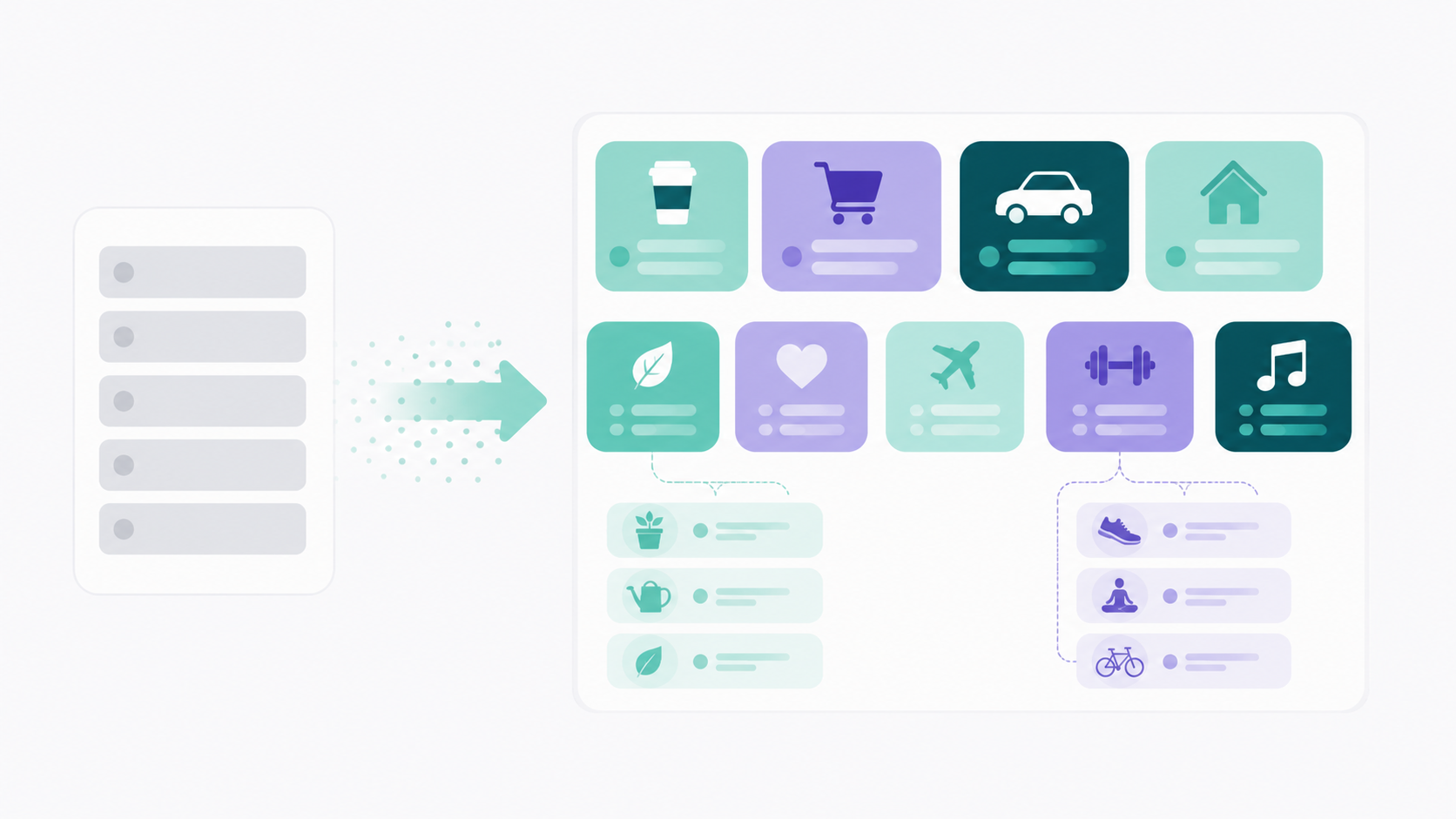
A budgeting app with unlimited custom categories lets you create as many spending categories as you want, name them yourself, and nest subcategories underneath them, with no cap and no preset list you're forced to work around. That combination is rarer than it sounds, because plenty of apps advertise "custom categories" while limiting how many you get, where they live, or what you can do with them once they exist.
If you're evaluating apps on this specific dimension, the useful thing isn't a ranked list of names, it's knowing which questions separate real category flexibility from the marketing version. Below is what to check, why category structure changes your actual spending behavior, and how many categories you should realistically build.
Why do preset categories cause problems?
Preset categories fail because they were designed for an average person who doesn't exist. When a category is broader than the decisions you make inside it, the total stops being informative, and an uninformative number is functionally the same as no number.
Take the standard offender. "Food and Dining" typically absorbs a $190 grocery run, three work lunches, a delivery order, and eleven coffees. When that total climbs from $580 to $690, you've learned that food went up. You have not learned which food behavior went up, and those two facts call for completely different responses.
There's real research behind this. Chip Heath and Jack Soll's work on mental budgeting, published in the Journal of Consumer Research in 1996, showed that people set implicit budgets for expense categories and that a purchase booked to a category effectively crowds out other spending within it. Their studies also found that when expenses get misclassified, people systematically over consume in some categories and under consume in others. So the labels aren't cosmetic. They shape what you buy next.
Category structure also skews your estimates before you spend a dollar. Gülden Ülkümen, Manoj Thomas, and Vicki Morwitz found in 2008, also in the Journal of Consumer Research, that budgets people plan for the coming month land well below what they actually record spending, while annual estimates come much closer to reality. Frames change forecasts. And a budget built from someone else's category list is a frame you didn't choose.
Here's the practical version. If your app forces "Personal Care" on you but the thing you actually want to watch is a $65 monthly habit inside it, the app is answering a question you didn't ask.
What does unlimited custom categories actually mean?
It means three specific things: no numeric limit on categories, full control over naming them, and true nesting so subcategories roll up into parents. Apps that offer only one or two of those still describe themselves as customizable, which is why the term needs unpacking before you compare anything.
Watch for a fourth thing, too, which is whether any of that sits behind a paywall. Some tools include a handful of categories at the free tier and unlock the rest on a paid plan, which means the feature exists but you don't have it. Read the pricing page rather than the feature page.
What should you look for in a budgeting app with custom categories?
Evaluate on seven things. Any app that clears all seven will handle almost any budget structure you throw at it, and most apps will clear four or five, which is usually enough to make the trade offs visible.
No cap on the number of categories
Ask what the actual ceiling is and whether it differs by plan. Some apps cap at 20 or 30, some cap subcategories per parent, and some don't publish a number at all, which usually means there's a soft limit you'll find later. Lucky Friday doesn't limit either categories or subcategories, and that isn't gated: unlimited custom categories are part of the permanently free tier, with no credit card and no trial window.
Real subcategories, not just tags
Tags and subcategories look similar and behave nothing alike. A tag labels a transaction. A subcategory has its own budget, its own total, and rolls up into a parent so you can read both levels. If you want to see "Food: $610" and "Food, delivery: $184" in the same view, you need genuine nesting.
Budgets you can set at both levels
A category structure without per category budgets is just a filing system. Check whether you can assign a planned amount to a subcategory, not only to the parent, and whether the app shows planned versus actual with a remaining number. That remaining figure is what turns a category into a decision tool instead of a report.
Rules you control for automatic sorting
Manual categorization is where most people quit, usually around week three. Look for the ability to write your own rules based on merchant names, keywords, or patterns, so a transaction files itself the same way every time. Rules you define beat AI guessing, because you know that the local grocery store with the confusing legal name is groceries and no model is going to figure that out reliably.
The ability to recategorize the past
Your categories will be wrong at first. Everyone's are. What matters is whether you can edit a transaction's category, subcategory, name, amount, or date afterward, and whether historical months update when you do. An app that locks past months turns every early mistake into permanent noise in your data.
Visual identification that scales
Twenty categories in a plain list is a scrolling problem. Custom icons and colors sound like decoration and function as navigation once your structure gets big enough, and a real time search bar matters more than you'd guess when you're categorizing on your phone in a parking lot. Lucky Friday assigns custom icons from the FontAwesome library and custom colors per category and subcategory, which is a small thing that stops mattering only if you never build more than six categories.
What the app does with your data
This one belongs on a feature checklist even though it isn't a feature. Detailed category data is the most revealing thing you'll ever put into an app, because it describes your habits and not just your balances. Ask three questions: does the company sell data to third parties, does it send your financial data to AI models, and does it use your data for advertising. Lucky Friday's answer is no on all three, which is worth knowing before you build a structure detailed enough to be genuinely useful.
How many budget categories should you actually have?
Most people do best with somewhere between 10 and 20 categories, plus subcategories under the two or three that need them. Fewer than eight and you're back to uninformative buckets. More than 25 and the maintenance cost usually kills the habit within a couple of months.
The right test isn't a number, it's whether each category corresponds to a decision you could actually make. "Groceries" passes, because you can change how you shop. "Household" usually fails, because there's no single behavior on the other side of it. If a category's total goes up and you have no idea what you'd do about it, that category is too broad or shouldn't exist.
A few structures that tend to earn their keep:
Split food into groceries, restaurants, delivery, and coffee. These four move independently and respond to completely different interventions.
Give subscriptions their own category rather than scattering them across entertainment, software, and utilities. Recurring charges are the easiest thing to lose track of, and they only look alarming as a total.
Create sinking fund categories for irregular expenses like car maintenance, annual insurance, and holiday spending. If you're building a cushion, our guide to starting an emergency fund when you're already behind pairs well with this, because a named category makes the saving concrete instead of aspirational.
Keep one catch all, and watch it. Miscellaneous should stay under roughly 5 percent of your spending. When it grows past that, it's telling you a new category wants to exist.
Start smaller than you think and add categories when a real question comes up. Structures built all at once tend to include a dozen categories you invented in a burst of enthusiasm and never look at again.
Where does Lucky Friday fit?
Lucky Friday was built specifically around the idea that your budget should match your life rather than the other way around. Unlimited custom categories and subcategories, custom icons and colors, category rules for automatic sorting, per category and per subcategory budgets, and month to month historical views are all included at no cost, with no category limits on the free plan.
The one thing on the paid plan is automatic bank syncing through Plaid, which connects to more than 11,000 financial institutions across the US, Canada, and Europe, at $12.99 a month or $99.99 a year. Premium doesn't unlock extra budgeting tools or reports, it just means transactions import automatically instead of being entered by hand. Free forever with unlimited categories, bank sync available if you want to upgrade. The app runs on iOS and web, and it was built by a solo founder over about two and a half years, which is part of why the category system works the way it does rather than the way a growth team would have shipped it.
If you're comparing against specific tools you already know, we have detailed breakdowns for people considering a YNAB alternative, a Monarch alternative, and a Mint alternative that go into the differences directly. And if tracking alone hasn't changed your numbers, our piece on why most budgeting apps never move your savings rate is worth reading before you invest a weekend in setting up a new category structure.
How do you set up custom categories without wasting a weekend?
Work backward from your last two months of actual transactions instead of forward from an imaginary ideal budget. Export or scroll through what you really spent, group similar merchants, and let the categories emerge from the data. That takes about 45 minutes and produces a structure you'll still be using in six months.
Then build in this order. Start with your five or six largest recurring costs, since those are unambiguous. Add subcategories only where a parent category contains genuinely different behaviors. Write rules for your ten most frequent merchants so the sorting stops being manual. Set planned amounts based on your two month averages rather than on what you wish you spent, because a budget you miss every month stops functioning as a signal.
Give it 60 days before judging the setup. The first month is always messy, the second month is when the comparisons start working, and that's the point where category structure begins paying for itself. If your income varies week to week, our approach to budgeting on an irregular income covers how to set those planned amounts when there's no steady paycheck to anchor them.
Common Questions About Budgeting Apps With Unlimited Custom Categories
Which budgeting apps let you create unlimited custom categories?
Several apps allow custom categories, but the limits and conditions vary a lot, so check the app's own pricing and help documentation rather than a roundup. The questions worth asking are whether there's a numeric cap, whether subcategories are true nested categories with their own budgets, and whether the feature is available on the free plan. Lucky Friday offers unlimited categories and subcategories with no cap on the permanently free tier.
Are custom categories worth the setup time?
For most people, yes, though the payoff comes in month two rather than week one. Broad preset categories tell you that a total moved without telling you what moved, and research on mental budgeting suggests that miscategorized expenses actually change how much you spend. The setup runs about an hour if you build from your real transaction history.
How many budget categories is too many?
Past roughly 25, most people stop maintaining the system, which makes the extra detail worthless. A better test than counting is asking whether each category maps to a decision you could act on. If a category's total rising wouldn't change anything you do, it's either too broad or unnecessary.
Can I use custom categories without linking my bank account?
Yes. Manual transaction entry works with the full category structure, and some people prefer it because logging a purchase yourself creates a moment of attention that automatic imports skip. It takes more effort, so if you'd rather have transactions import on their own, bank sync is available on the premium plan.
What's the difference between a subcategory and a tag?
A subcategory sits inside a parent category, has its own budget and totals, and rolls up so you can read both levels at once. A tag is a label attached to a transaction that usually doesn't carry a budget or roll up anywhere. If you want to see both "Food" and "Food, delivery" as budgeted lines, you need subcategories.
Sources
Heath, Chip, and Jack B. Soll. "Mental Budgeting and Consumer Decisions." Journal of Consumer Research, vol. 23, no. 1, 1996, pp. 40 to 52. https://academic.oup.com/jcr/article-abstract/23/1/40/1841483
Ülkümen, Gülden, Manoj Thomas, and Vicki G. Morwitz. "Will I Spend More in 12 Months or a Year? The Effect of Ease of Estimation and Confidence on Budget Estimates." Journal of Consumer Research, vol. 35, no. 2, 2008, pp. 245 to 256. https://academic.oup.com/jcr/article-abstract/35/2/245/1806120
Thaler, Richard H. "Mental Accounting Matters." Journal of Behavioral Decision Making, vol. 12, no. 3, 1999, pp. 183 to 206.