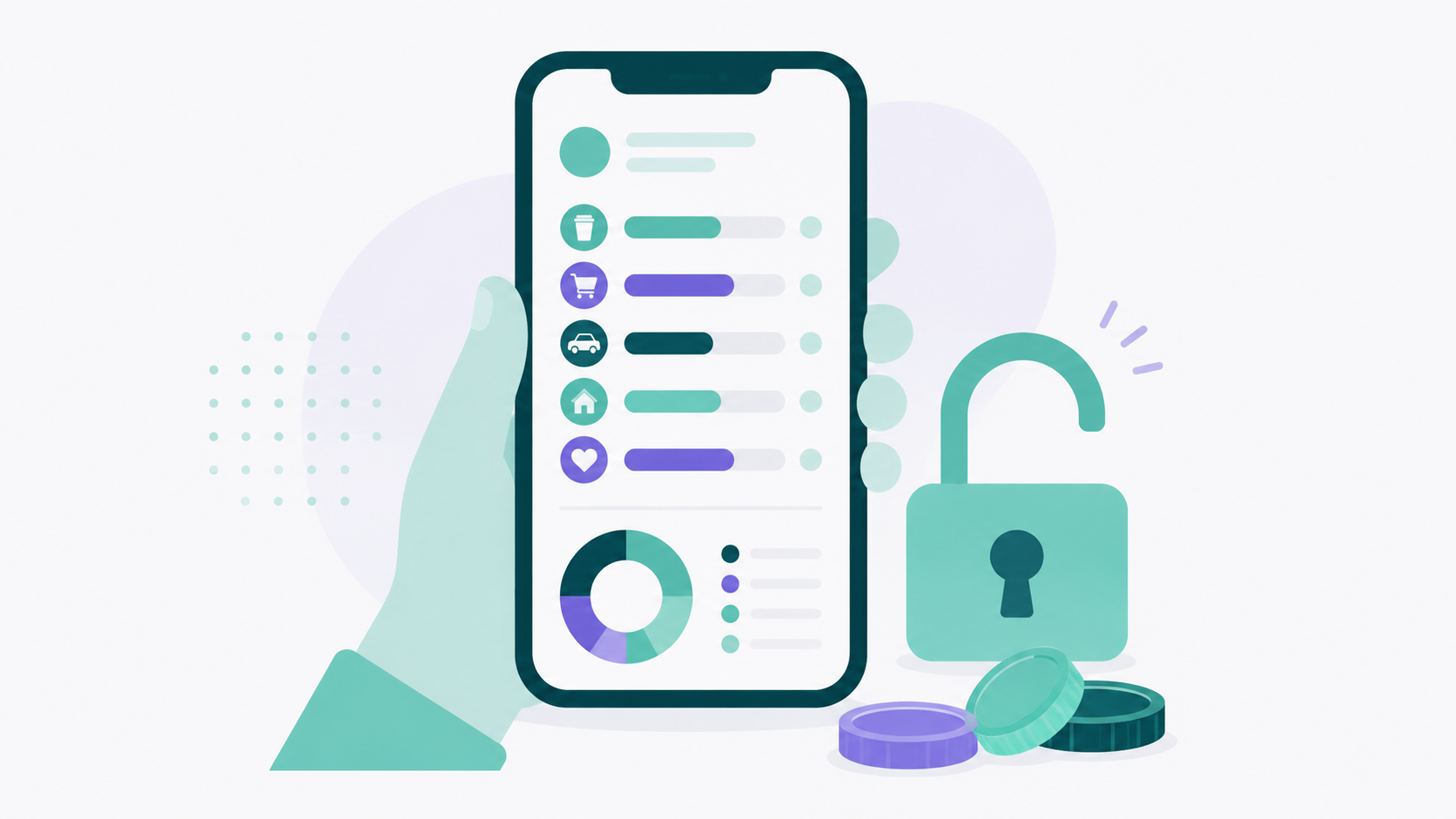
A budgeting app is only actually free if it has a permanent free tier rather than a trial, doesn't paywall core budgeting features, doesn't run ads, and doesn't sell your financial data. Most apps marketed as free fail at least one of those tests, and on a tight budget the difference between the four types matters more than any feature list.
Here's what this post covers: how to tell real free from trial free, what a budgeting app actually needs to do when money is tight, and a few free resources outside the app world that are worth more than any tracking tool. There's no lecture about coffee here. When the problem is income rather than lattes, spending advice that ignores that is just noise.
What makes a budgeting app "actually free"?
There are four different things companies mean by free, and only one of them costs you nothing. A permanent free tier means you can use the core budgeting tools indefinitely without paying. Everything else has a price attached, it just isn't always in dollars.
Run any app through these four checks before you sign up.
Is it a free trial or a free tier?
A 30 day trial isn't free, it's deferred billing, and most trials require a card up front. Look for the words "free forever," "no credit card required," or a pricing page that describes an ongoing free plan rather than a countdown. If the app asks for payment details before you've entered a single transaction, you know which kind it is.
Are the core budgeting tools included, or just the dashboard?
Some apps let you view your accounts for free but charge for the part that actually helps: setting budgets, creating categories, tracking planned versus actual. Read what the free tier includes rather than what the app is described as. A free plan that shows balances without letting you budget against them isn't a budgeting app, it's a balance viewer.
Does it run ads?
Free consumer apps usually pay for themselves somehow, and advertising is the most common route. In personal finance apps the ads tend to be credit card offers, personal loans, and refinancing pitches, which are exactly the products you'd want to think about slowly rather than while scrolling. There's a real conflict of interest in an app that both tracks your debt and gets paid when you take on more of it.
What happens to your data?
Ask three specific questions: does the company sell data to third parties, does it use your data for advertising, and does it send your financial information to AI models. Lucky Friday's answer to all three is no. That matters everywhere, though it matters more when your transaction history includes benefits deposits, medical bills, or a payday loan, because that data describes a situation, not just a spending pattern.
Why does a free budgeting app matter more on a low income?
Because $12.99 a month is $156 a year, and when your total household spending runs around $2,900 a month, a budgeting subscription competes directly with groceries. Paying for a tool to manage scarce money is a hard trade to justify.
The Bureau of Labor Statistics Consumer Expenditure Survey put average annual spending for the lowest income quintile at $35,046 in 2024, compared with $150,342 for the highest quintile. That works out to roughly $2,920 a month for everything: housing, food, transportation, healthcare, and whatever else comes up. Housing alone eats a much larger share at the bottom, around 41 percent of total spending in the lowest quintile versus about 29 percent in the highest, which leaves considerably less room to absorb anything unexpected.
So the margin for error is thin, and the cost of a mistake is high. That shows up most clearly in overdraft fees. The National Consumer Law Center reported that banks and credit unions collected more than $12 billion in overdraft and non sufficient funds fees in 2025, and that these fees fall disproportionately on lower income households. The concentration is striking: CFPB research found that 79 percent of combined overdraft and NSF fees were paid by just 9 percent of consumers, who paid more than ten such fees a year and racked up a median of $380 annually.
Look at what that means practically. A person paying $380 a year in overdraft fees is paying more than double the cost of a premium budgeting subscription just for running out of money a few days before payday. A free app that shows you what's left before you swipe is worth real dollars in that situation, and it's worth them immediately rather than eventually.
What should a budgeting app do for a low income household specifically?
The requirements are different from what a general "best budgeting app" list optimizes for. Investment tracking and net worth charts matter less. Cash handling, weekly views, and working without a bank connection matter more.
Work without a bank connection
This is the big one. The FDIC's most recent National Survey of Unbanked and Underbanked Households found that 4.2 percent of U.S. households, roughly 5.6 million, had no checking or savings account at all, and another 14.2 percent were underbanked. The most commonly cited reason for not having an account was not having enough money to meet minimum balance requirements.
An app that only works through automatic bank syncing is useless to those households, and only partly useful to anyone who deals largely in cash. Manual transaction entry solves that, and it's included in Lucky Friday's free tier. If you do have accounts and want transactions to import automatically, bank sync through Plaid is available on the premium plan, though it's genuinely optional rather than the point of the product.
Handle income that arrives irregularly
Hourly work, gig work, seasonal work, and multiple part time jobs all produce income that shows up at unpredictable times in unpredictable amounts. A budget built around one steady monthly deposit breaks immediately under those conditions. Look for planned versus actual tracking on the income side, not just the expense side, so you can see the gap between what you expected and what arrived. Our guide to budgeting on an irregular income covers how to set category amounts when there's no reliable paycheck to anchor them.
Let you look at a week, not just a month
When the buffer is thin, the month is the wrong unit. What you need to know is whether rent clears on the 1st and whether there's enough to get to Friday. Date filtering that lets you view today, this week, or a custom range is more useful here than any annual summary.
Categories that match your actual life
Most budgeting apps hand you preset categories built around a fairly specific idea of normal: dining out, entertainment, travel. Those may not be the categories that matter to you. Lucky Friday lets you build unlimited custom categories and subcategories with your own names, icons, and colors, so your budget can track laundromat, bus pass, school fees, copays, or whatever actually moves your money. There's no cap on the free plan, and there's no preset list you have to work around.
No ads, no upsells inside the app
An ad free experience is included at no cost with Lucky Friday, which is worth stating plainly because it's unusual in the free tier of consumer finance apps. You shouldn't have to see a credit card offer every time you check whether you can afford gas.
Cover the whole household
Junior accounts for under 18s are included free, which matters if you're teaching a teenager to manage a first paycheck without adding a second subscription to your own bills.
How do you build a budget when money is genuinely tight?
Start with a bill calendar rather than a budget. Write down every fixed obligation and its due date, then map it against when money actually arrives. Most cash flow crises at low income aren't about the monthly total, they're about timing, and the calendar fixes timing problems that a budget can't see.
From there, work in this order. List your fixed costs first, since those aren't decisions you can make weekly. Add the variable essentials next, with groceries and transportation getting real numbers based on your last two months rather than aspirational ones. Whatever remains is your actual flexible money, even if it's $40, and knowing the real figure beats guessing high and coming up short.
Then build one small buffer category before anything else. Not three to six months of expenses, which is an unhelpful target when you're starting from zero. Something like $300 to $500, built at $15 or $20 a week, is enough to absorb a car repair or a copay without triggering a fee cascade. Our approach to starting an emergency fund when you're already behind walks through building that first buffer without waiting for a raise, and it's specifically written for people who aren't starting from a surplus.
One more thing worth naming. If tracking hasn't changed anything for you in the past, that isn't a personal failing, and it doesn't mean you need a better app. We wrote about why most budgeting apps never move your savings rate, and the short version is that visibility only helps when there's slack to redirect. When the numbers show there isn't any, the honest answer is that the problem is on the income or the cost side, not the discipline side.
What free resources help beyond an app?
An app tracks money you already have. These programs can change how much you have, which is a different and often bigger lever.
Dial 211 or visit 211.org to reach a free referral service that connects people to local help with rent, utilities, food, and healthcare. It's run through United Way and covers most of the U.S., and it's the fastest way to find out what exists in your specific county.
The IRS Volunteer Income Tax Assistance program offers free tax preparation for people below an income threshold, which matters because refundable credits like the Earned Income Tax Credit are frequently left unclaimed. Paying a preparer $250 out of a refund you were owed anyway is a common and avoidable loss.
Nonprofit credit counseling through agencies affiliated with the National Foundation for Credit Counseling provides free or low cost budget counseling and debt management plans. Look for nonprofit status specifically, because the for profit debt settlement industry markets itself in the same search results and works very differently.
Check benefit eligibility even if you've been denied before, since income thresholds and program rules change. Benefits.gov runs a free screening tool, and many people qualify for programs they assume they don't.
Where does Lucky Friday fit?
Lucky Friday's free tier is permanent, requires no credit card, and includes the core budgeting tools: unlimited custom categories and subcategories, manual transaction entry, monthly and annual budget views, planned versus actual tracking, net worth tracking, junior accounts, and an ad free experience. There's no trial clock and no category limits. The one paid feature is automatic bank syncing through Plaid at $12.99 a month or $99.99 a year, which is genuinely optional and, for a cash heavy household, often not worth it.
The privacy piece is the part worth emphasizing for this audience. Your data isn't sold to third parties, isn't used for advertising, and never goes to AI models. Lucky Friday runs on iOS and web, and it was built by a solo founder over about two and a half years rather than by a company that needs to monetize a free user base. That's the reason the free tier can stay free without ads. You can see exactly what's included on the pricing page, and if you bank with a credit union, our notes on using a budgeting app with a credit union cover how that works.
Common Questions About Free Budgeting Apps for Low Income Households
What's the best completely free budgeting app?
The right question is which apps have a permanent free tier rather than a trial, since that's where most "free" options fall apart. Check whether core budgeting features are included at no cost, whether the app runs ads, and whether the company sells user data. Lucky Friday's free plan is permanent, ad free, includes unlimited custom categories, and requires no credit card.
Can I budget without linking my bank account?
Yes, and for cash heavy households it's often the better approach. Manual transaction entry lets you log purchases yourself, which works whether or not you have a bank account and captures cash spending that automatic syncing misses entirely. It takes a few minutes a day, and many people find the act of logging creates useful awareness on its own.
Is a budgeting app worth it if my income is very low?
It can be, though the value comes from timing rather than trimming. Seeing what's left before payday is what prevents overdraft fees, and CFPB data shows that people who overdraft frequently pay a median of $380 a year in those fees. What an app can't do is create money that isn't there, so pair it with benefit screening and free tax prep, which change the income side.
Do free budgeting apps sell your data?
Some do, and many that don't sell data still monetize through advertising or referral fees on financial products. Check the privacy policy for language about third party sharing and advertising partners, and look at whether the app shows you credit card or loan offers. Lucky Friday doesn't sell data, doesn't advertise, and doesn't send financial data to AI models.
How do I budget when my income changes every week?
Budget against your lowest recent week rather than your average, and treat anything above that as extra to assign when it arrives. Build a bill calendar mapped to when money actually lands, since timing causes more shortfalls than totals do. Tracking planned versus actual on the income side, not just expenses, shows you the size of the gap you're working with.
Sources
U.S. Bureau of Labor Statistics. "Consumer Expenditures, 2024." News release, December 2025. https://www.bls.gov/news.release/cesan.nr0.htm
U.S. Bureau of Labor Statistics. "Consumer Expenditures in 2024." BLS Reports. https://www.bls.gov/opub/reports/consumer-expenditures/2024/home.htm
Statista, citing BLS Consumer Expenditure Survey data. "Share of consumer spending categories by income quintile, U.S., 2024." https://www.statista.com/statistics/247420/percentage-of-annual-us-consumer-spending-by-income-quintiles/
Federal Deposit Insurance Corporation. "2023 FDIC National Survey of Unbanked and Underbanked Households." https://www.fdic.gov/household-survey
National Consumer Law Center. "Overdraft Fees Rising in Absence of CFPB Rule." 2026. https://www.nclc.org/resources/overdraft-fees-rising-in-absence-of-cfpb-rule/
Consumer Financial Protection Bureau. "Overdraft Lending: Very Large Financial Institutions." Federal Register, December 30, 2024. https://www.federalregister.gov/documents/2024/12/30/2024-29699/overdraft-lending-very-large-financial-institutions
Bankrate. "Just 30% of Americans Say They Would Pay an Emergency Expense of $1,000 From Savings." January 21, 2026. https://www.bankrate.com/press-releases/just-30-of-americans-say-they-would-pay-an-emergency-expense-of-1000-from-savings/